Brand Feature Overview
A complete guide to setting up your brand in HookedGrowth, from visual assets to voice guidelines.
Written By Muks Syed
Last updated 8 months ago
Overview
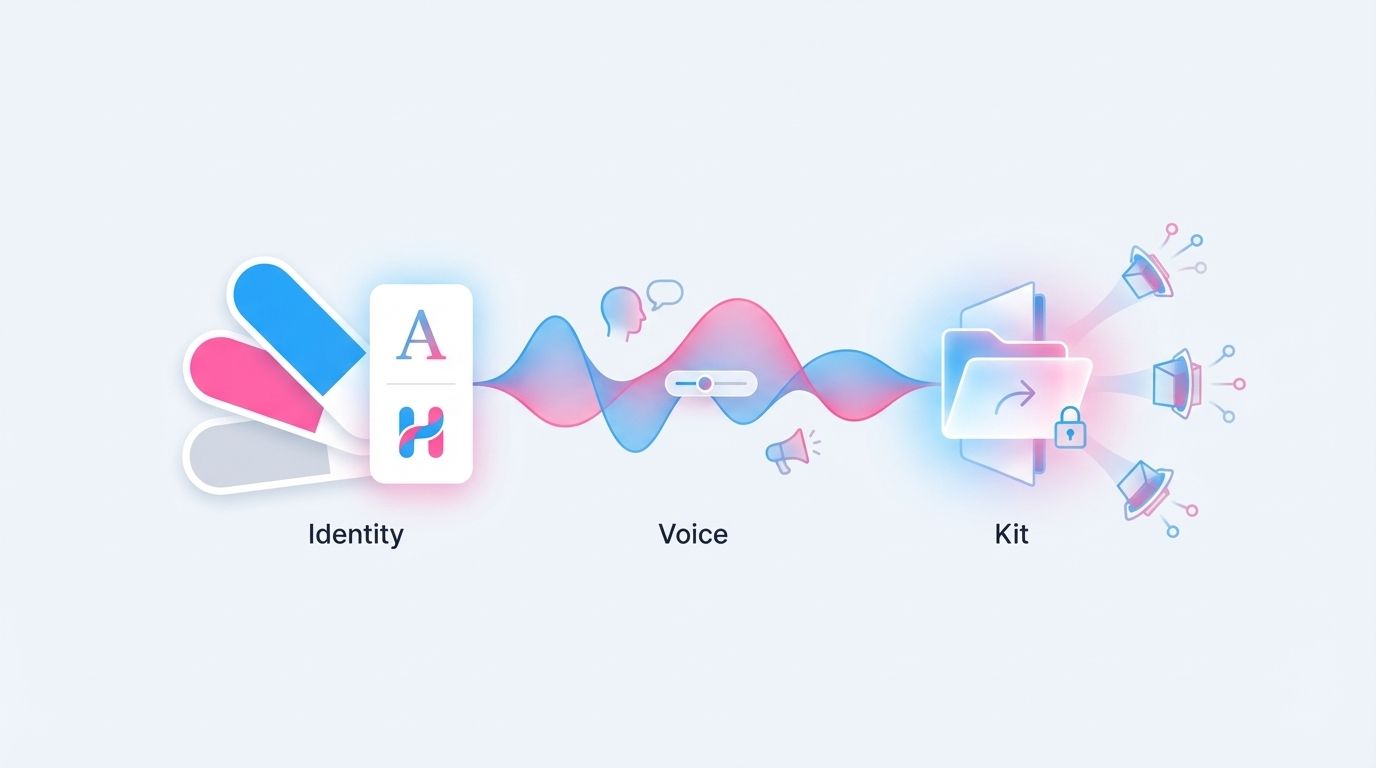
Your brand is more than a logo. It's the complete system of visual elements, messaging guidelines, and tone rules that make your business recognisable and consistent.
HookedGrowth's Brand feature helps you organise all these building blocks in one place, creating a single source of truth that powers consistent brand experiences and enriches every customer interaction.
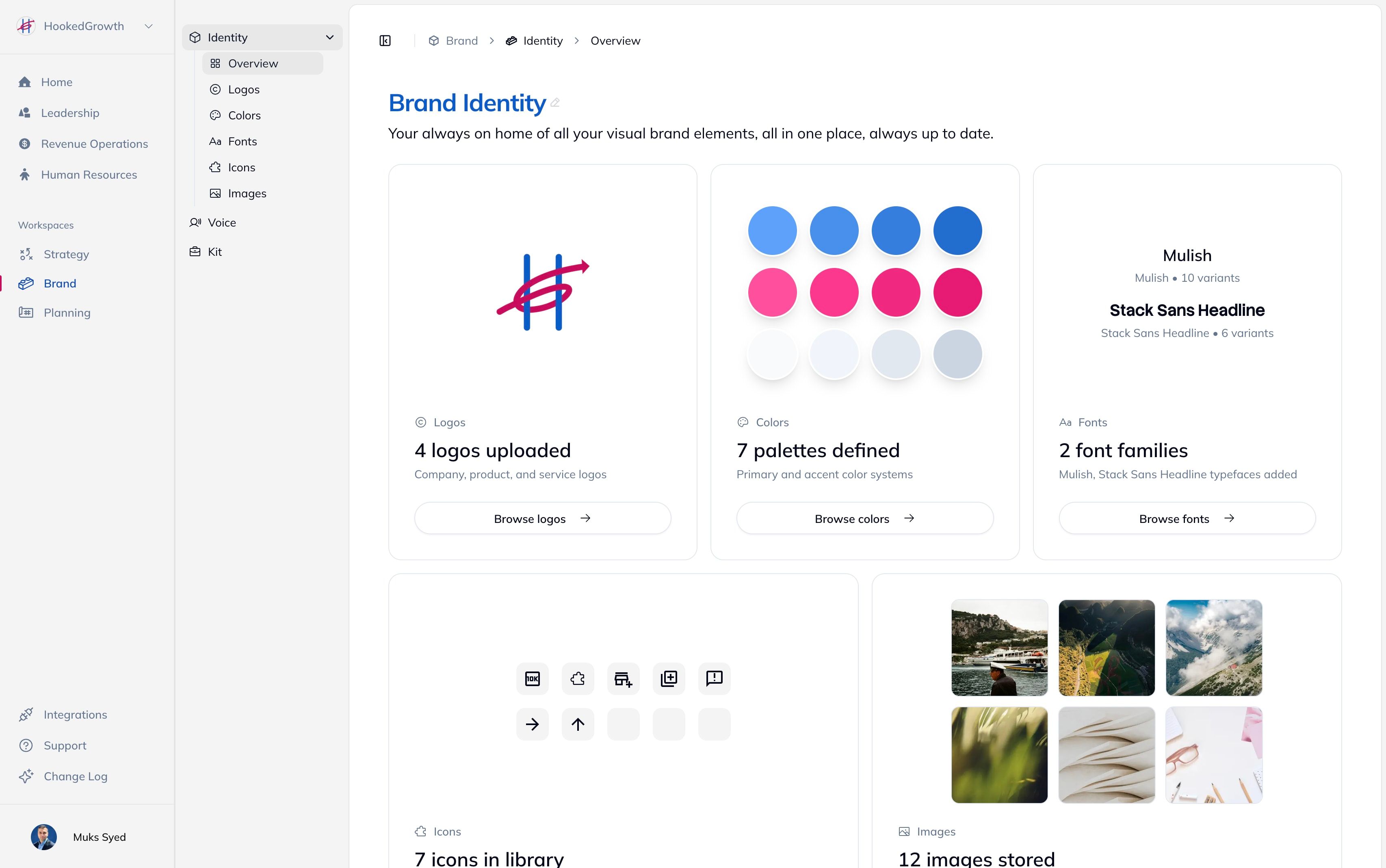
Identity
Voice
Kits
How Brand Integrates
With Growth Assistant
When you enable Brand Voice context:
AI responses adopt your voice pillars
Personality traits shape the tone
Grammar rules are automatically applied
Avoided terms are filtered out
With AI-Generated Content
When generating images or voice content:
Visual style aligns with your identity
Copy matches your established voice
Consistency is maintained automatically
With Your Team
When new members join:
They can quickly review brand kits
Everyone works from current guidelines
External partners receive professional documentation
Getting Started
Quick Setup (15-20 minutes)
Upload your logo - Start with your primary logo
Define key colors - Add your main brand palette
Select a voice pillar - Choose from templates or create your own
Add a personality trait - Describe how your brand communicates
Full Setup (1-2 hours)
Complete all Identity sections (logos, colors, fonts, icons, images)
Configure all Voice elements (pillars, traits, tone, grammar, terms)
Create at least one Brand Kit for team reference